

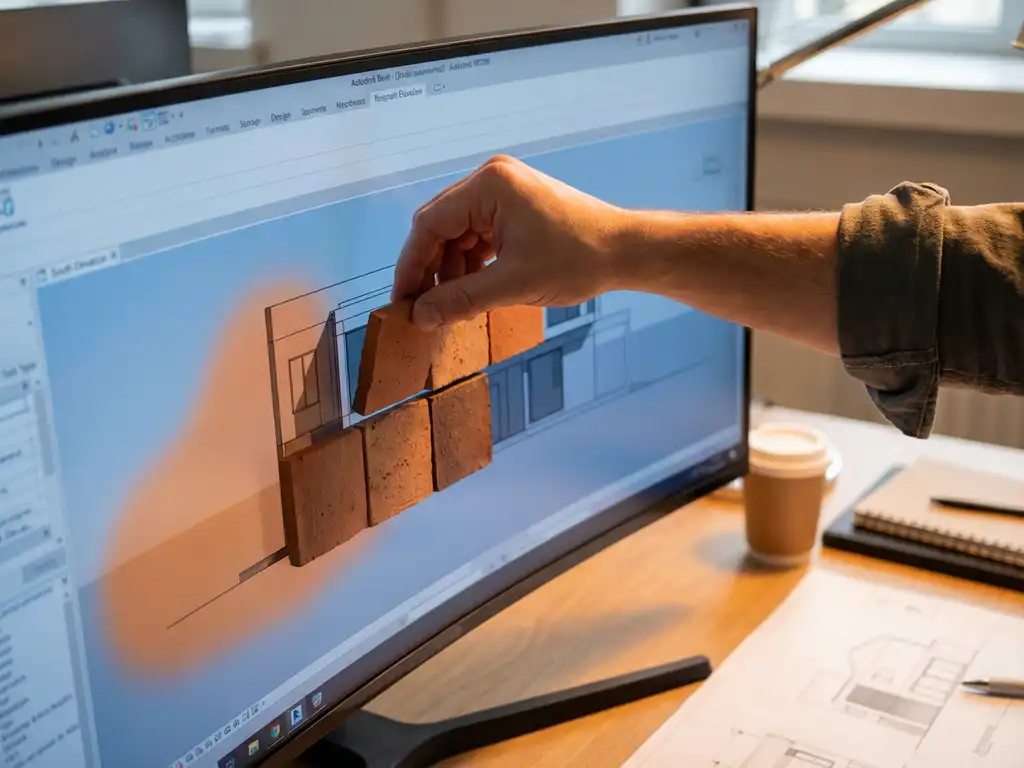
Why Terracotta Facades Need Specialized BIM Modeling
Terracotta facades require specialized BIM modeling approaches because ceramic cladding systems have unique dimensional, structural, and installation requirements that standard wall assemblies cannot represent accurately. Unlike conventional building materials, ceramic facade elements feature precise interlocking profiles, specific thermal expansion characteristics, and complex attachment systems that must be modeled parametrically to ensure accurate construction documentation.
The challenge intensifies when coordinating ceramic facade systems with other building components in Revit BIM workflows. Standard curtain wall families often lack the flexibility to represent terracotta panel variations, joint details, and substructure requirements accurately. This creates coordination issues during construction and can lead to costly field modifications when the actual ceramic cladding installation does not align with the simplified BIM model.
Set Up Your Revit Environment for Ceramic Facade Work
Configure your Revit project template to accommodate the precision requirements of ceramic facade modeling by establishing appropriate project units and grid systems. Set your project units to millimeters for dimensional accuracy, as terracotta panels are manufactured to precise tolerances that require detailed modeling. Create reference grids that align with your ceramic panel module dimensions to ensure consistent placement throughout the facade design process.
Establish dedicated worksets for facade components to enable efficient collaboration among team members working on different building systems. Create separate worksets for ceramic panels, substructure elements, and attachment hardware to maintain model organization. Load essential system families, including curtain wall panels, adaptive components, and structural framing elements, that will serve as the foundation for your parametric design approach.
Essential Revit Settings for Facade Modeling
Adjust your view templates to display facade details at appropriate scales, and configure line weights for ceramic joint representation. Set up 3D views with section boxes to isolate facade areas during modeling and coordination reviews. These visualization settings become critical when presenting ceramic cladding designs to stakeholders and coordinating with structural and MEP systems.
Create Parametric Families for Terracotta Elements
Build adaptive component families that capture the geometric complexity of ceramic facade panels, including back-profiled interlocking systems and surface texture variations. Start by creating a new adaptive component family and establishing reference points that define panel corner locations. Model the ceramic panel geometry using solid extrusions and voids, ensuring the back profile accurately represents the interlocking mechanism that connects to vertical aluminum retaining profiles.
Incorporate dimensional parameters for panel width, height, and thickness to create flexible families that accommodate different ceramic formats within your facade system. Add material parameters that allow the specification of different ceramic finishes and colors directly within the family. Include reference lines and dimensions that represent joint widths and reveal depths, as these details significantly impact the visual appearance of the completed facade.
Advanced Family Parameters
Develop instance parameters for panel identification numbers, fire ratings, and performance characteristics specific to ceramic cladding systems. These parameters enable automatic schedule generation and specification coordination throughout the BIM workflow integration process. Test your parametric families across different size ranges to ensure geometric stability and accurate material takeoffs.
Model Complete Facade Systems with Curtain Walls
Construct curtain wall systems that accurately represent the complete ceramic facade assembly, including panels, mullions, and structural support elements. Create custom curtain wall types by modifying the vertical mullion families to represent aluminum retaining profiles with appropriate dimensions and connection details. Configure the curtain panel families to use your parametric terracotta elements, ensuring proper spacing and alignment with the structural grid.
Apply your ceramic facade curtain wall system to building faces and adjust panel layouts to minimize cuts and optimize material usage. Use the curtain grid tools to establish panel divisions that align with structural elements and architectural features. Configure corner conditions and transitions carefully, as these areas often require specialized ceramic panels or additional detailing in terracotta facades.
System Integration and Performance
Embed performance data, including thermal properties, fire ratings, and structural loads, directly into your curtain wall system components. This information supports energy analysis and structural coordination while maintaining accurate construction documentation. Validate your facade system model by generating material schedules and checking panel quantities against design requirements.
Coordinate Facade Details with Other Building Systems
Establish coordination protocols that ensure ceramic facade elements integrate properly with structural framing, building envelope components, and MEP systems. Use Revit’s interference detection tools to identify conflicts between facade attachment points and structural members early in the design process. Create detailed sections and 3D coordination views that show ceramic panel connections, flashing details, and thermal-bridge mitigation strategies.
Develop standardized detail families for common facade penetrations, corner conditions, and transitions to other building materials. These details should accurately represent the ceramic cladding thickness, air-gap requirements, and insulation continuity. Share coordination models with structural and MEP consultants to verify that substructure capacity and service routing accommodate the ceramic facade system requirements.
Documentation and Quality Control
Generate comprehensive construction documents directly from your BIM model, including panel layouts, installation sequences, and connection details. Create automated schedules that track ceramic panel quantities, sizes, and specifications for procurement coordination. Establish model validation checklists that verify facade detailing accuracy before releasing construction documents.
How TONALITY® Supports Advanced BIM Integration
TONALITY® provides comprehensive BIM resources that streamline ceramic facade modeling and coordination within Revit workflows. Our technical team offers detailed parametric families for all ceramic panel formats, complete with accurate geometric profiles and material properties that ensure precise construction documentation and coordination.
- Pre-configured Revit families for all TONALITY® panel sizes and profiles
- Technical specifications formatted for direct BIM integration
- Installation sequence guidance optimized for construction coordination
- Structural load data and connection details for accurate modeling
- Material property databases for energy and performance analysis
Contact our technical support team to access TONALITY® BIM resources and receive project-specific modeling assistance for your ceramic facade integration requirements.
Ähnliche Artikel
- Was ist eine Graffiti-resistente Facade und wie funktioniert sie?
- Wie unterscheidet sich ein Schulgebäude Neubau von einer Generalsanierung?
- How to Detail Terracotta Facades at Corners, Soffits, and Window Reveals
- How do terracotta baguettes and louvers provide sun shading?
- What fire safety ratings do terracotta facade panels have?